
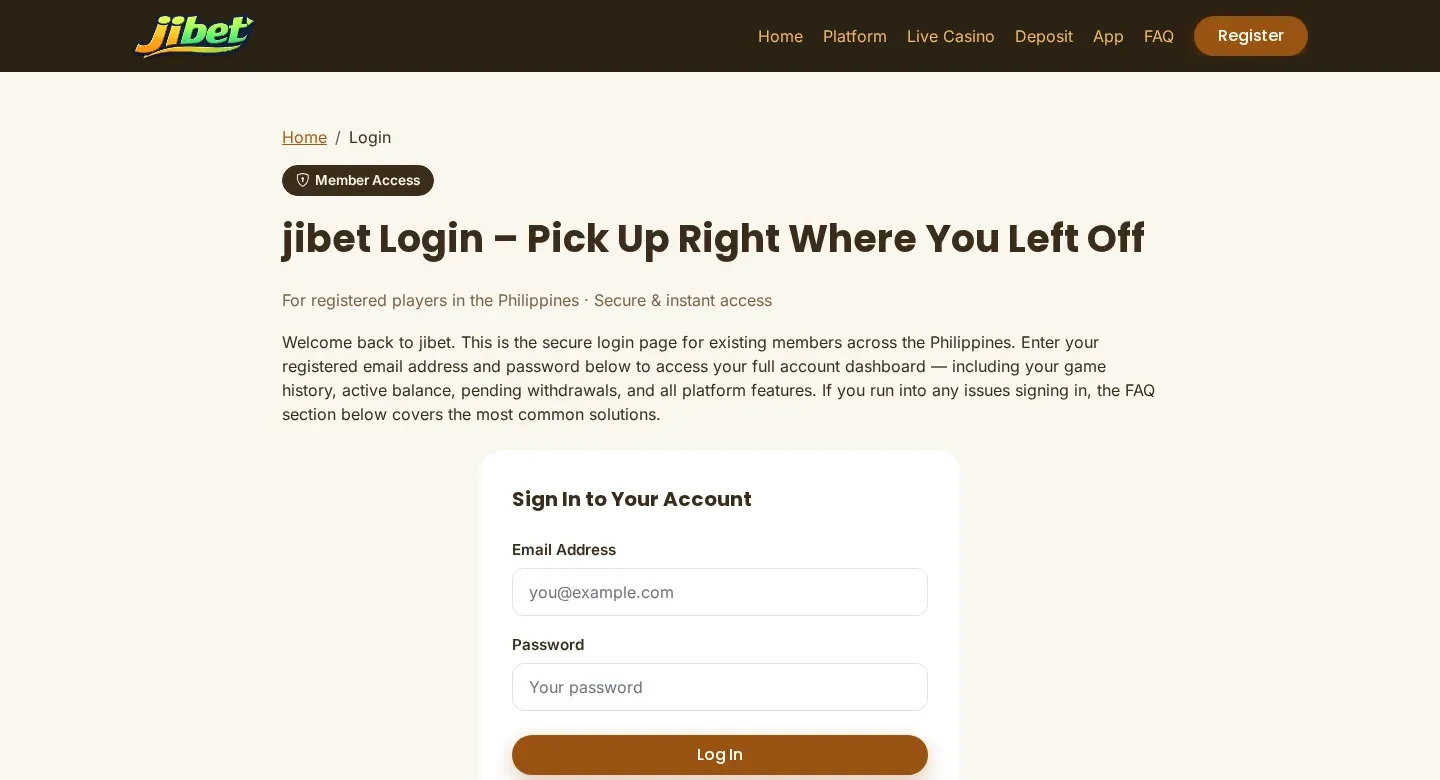
The sign-in card in brief
Jibet login is an email-and-password card. The fields are labelled for an email address and a password, then a Log In control. There is no username field on the public card, and there is no social-login button on that card either.
Use the Log in button on these pages rather than a search-result thumbnail you have not checked. Similarly named sites appear in Philippine search results. Look at the address bar before you type the password. A peso cashier with GCash and Maya, once you are in, is a further check that you are in the right account.
Age for the account is 18 or over. If you do not have an account yet, go to registration first — that form is a different card.
Email and password, nothing else on the card
- Open the Jibet sign-in page from the Log in button.
- Type the email address you confirmed when you registered.
- Type the password for that account.
- Tap Log In.
The same email and password work in a desktop browser and in a mobile browser. There is no separate app login and no second password for a store listing, because there is no store listing.
If you recently changed the password on one device, that new password is the one the other device will ask for.
Jibet login on a phone, without an app
Searches for Jibet login often come from a phone, and a lot of them also include the word app. There is no Jibet package in Google Play in the Philippines or in the App Store in the Philippines, and the site has no home-screen app file. Jibet login on a phone is the same email-and-password card in the mobile browser.
You do not need to install a file from another website to sign in. Open Jibet in the browser from the buttons on these pages, then enter the email and password as you would on a computer. If the layout is tight, you should still see those two fields and the Log In control before you type anything.
Getting back in with a reset link
A reset is described as a link sent to the registered email. The public sign-in card does not have a separate Forgot link. When a link arrives, open that inbox — including the spam folder — and use the link you were sent. This desk cannot send that link; contact@jibetphilippines.com does not reset Jibet passwords.
After several failed sign-in tries, the account can lock for 15–30 minutes. Wait out that window instead of repeating the same password. If you cannot get back in, write to support@jibet.pro from the same email, or use live chat once you can sign in, and do not put the password in the message.
If the Jibet sign-in card will not open
Work through the simple checks first:
- Caps lock and the exact email, including any typo in the domain.
- A password manager that stored an older password.
- A 15–30 minute lock after several failed tries.
- A reset email that has not arrived yet — wait and check the spam folder.
If you are on a public network, wait until you are on a connection you trust before you type the password again. This page does not give instructions for bypassing a blocked network.
If the account still will not open, Jibet support is the route: live chat in English or Filipino from the account, when you can reach it, or support@jibet.pro. Mention what you see on the screen and the device you are using, not the password itself.
After you are in
Once the account opens, you can go to the cashier, take or skip the welcome package, and use live chat. GCash and Maya deposits start from ₱100. The welcome package of ₱300 plus a 100% first-deposit bonus is described on the bonus page. Payout times and documents are on payments.
If this is your first session and you have not sent documents yet, you can still look around the lobby. The document pack is required before the first withdrawal: ID from both sides, a selfie holding the ID, and proof of address from the last three months. Review usually takes 24–48 hours.
A few limits to note
- The public card is email and password only; a username or social login is not listed there.
- A lock of 15–30 minutes can follow several failed tries.
- There is no store app, so a third-party installer will not give you a second, safer login.
Jibet login questions
What do I need for Jibet login?
The email from registration and your password. The public sign-in card does not ask for a username.
How do I reset a Jibet password?
A reset link is sent to the registered email. The public sign-in card does not have a separate Forgot link. After several failed sign-in tries the account can lock for 15–30 minutes.
Can I use Jibet login on a phone?
Yes, in the mobile browser, with the same email and password. There is no Jibet app in Google Play or the App Store.
What if I do not have an account yet?
Open registration first. Login and registration are two different cards.
Can I sign in with Facebook or Google?
The public sign-in card shows email and password only. A social sign-in button is not listed there.
Who can help if Jibet login fails?
Live chat after you get in, or support@jibet.pro. The Escolta Bench inbox cannot reset a Jibet password.
Keep play in check
Jibet is for people aged 18 or over. Deposit limits, cooling-off and self-exclusion sit in the account settings, or you can ask Jibet support to switch them on. A help body named on the Jibet responsible-gaming page is the National Council on Problem Gambling Philippines. PAGCOR responsible gaming helplines are named there without a number on the page. The longer note is on Keep play in check.